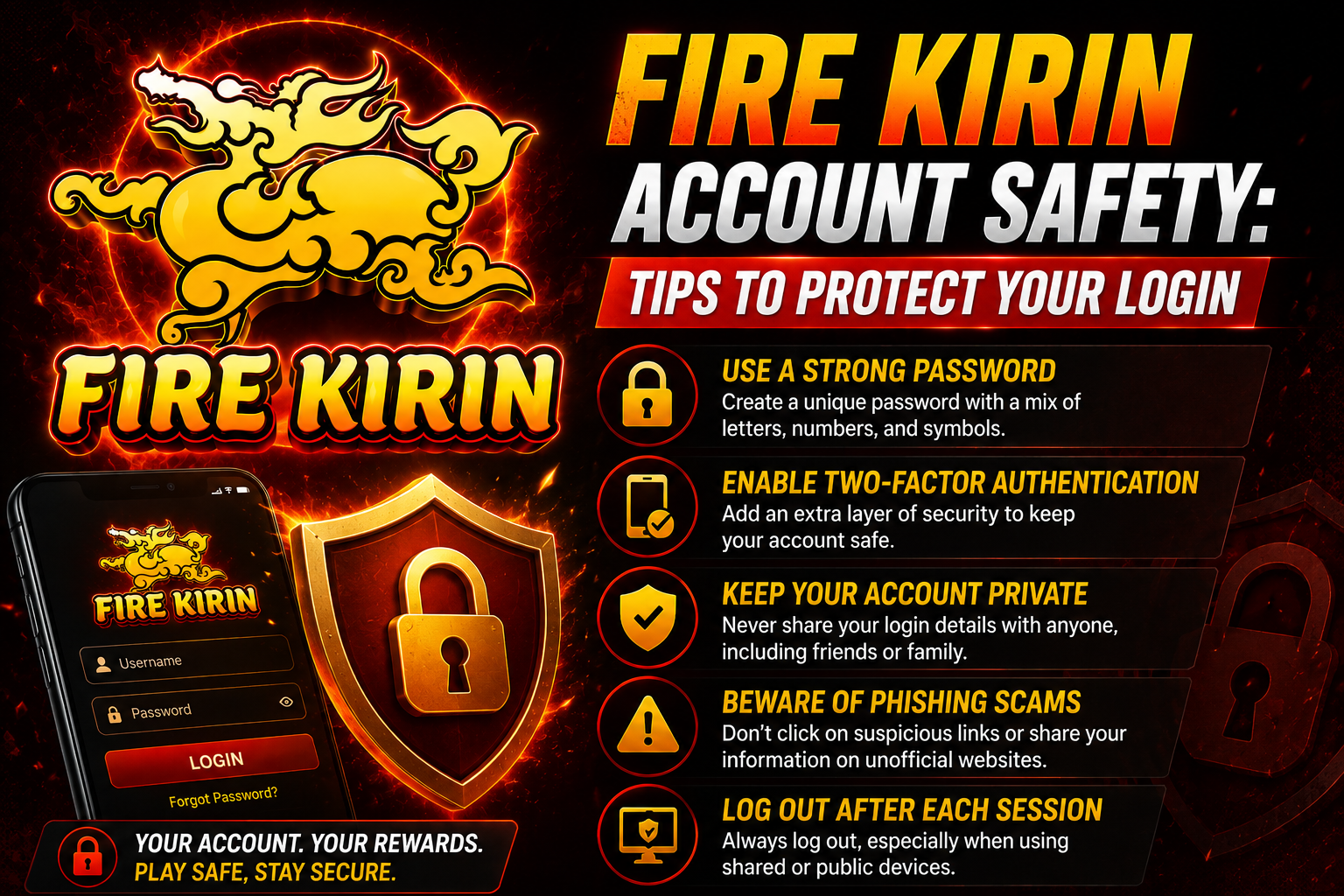
Every week, someone types “fire kirin forgot password no verification” into a search bar, hoping there’s a fast way back into their account. It’s an understandable search. Being denied access to a Fire Kirin account, especially one that is linked to a daily schedule of playing or agent-managed credits can be a bit overwhelming.
However, before you pursue the fastest route, it’s helpful to know how the Fire Kirin login system works to verify your identity, the reason verification exists at all, and what a genuine safe, secure recovery path appears like. This guide goes through it step-by-step to ensure that agents, distributors and players understand what they can expect.
Why “No Verification” Isn’t a Real Recovery Option (And Why That’s a Good Thing)
If you’ve searched Fire Kirin forgot password no verification ,you’re likely trying to find a way to speedily get to login. There’s no legal way of resetting the password, without verifying your identity. Understanding the reason for verification is able to make life easier and to avoid frauds. Search interest in a no-verification reset makes sense on the surface. Nobody wants to wait on an email or dig up an old security answer just to log back in. But verification isn’t a hurdle Fire Kirin added to slow players down. It’s the layer that keeps someone else from resetting a password on an account that isn’t theirs.
Think about what a Fire Kirin account actually holds: play history, credit balances, and in many cases a direct link to a distributor’s management system. A password reset with zero verification would mean anyone who guessed a username could take over that account. For agents managing dozens or hundreds of player logins, that risk multiplies fast. So when Fire Kirin asks for an email confirmation or a security question, it’s protecting the account owner, not creating friction for its own sake.
How Fire Kirin’s Login and Account System Actually Works
Most Fire Kirin accounts are created through the Fire Kirin management system, the same backend distributors and agents use to create accounts, set login credentials, and issue starting passwords to new players. This system exists so operators can support their player base directly instead of routing everyone through a single central helpdesk.
That structure matters for password recovery. It means the fastest path back into a locked account often runs through the distributor or agent who set it up, not just the app itself. They can verify ownership, confirm account details, and walk a player through a reset without either party guessing at settings.
Common Reasons Behind Fire Kirin Login Troubleshooting
A locked-out feeling usually comes from one of a handful of causes, and most are simple to fix once identified:
● Typing errors: Autocorrect or autofill can quietly change a saved password.
● Old credentials: A password changed weeks ago but never updated in a saved-password manager.
● Too many failed attempts: Repeated wrong entries can trigger a temporary hold.
● App version mismatch: An outdated Fire Kirin app sometimes struggles to validate login details correctly.
● Device or network changes: A new phone or a switch in Wi-Fi network can occasionally interrupt a saved session.
Working through this list is usually the quickest form of Fire Kirin login troubleshooting, before assuming anything is actually broken.
Fire Kirin Forgot Password No Verification iOS: What’s Different on iPhone and iPad
Players searching “fire kirin forgot password no verification ios” are often running into an issue specific to Apple devices rather than the account itself. iOS handles saved logins through its own Keychain system, which can conflict with what’s stored inside the Fire Kirin app. A password that was changed recently might still appear “remembered” on the device, even though it no longer matches the account.
iOS notification settings can also get in the way. If notifications are disabled for the Fire Kirin app, a verification code or confirmation link sent to a linked email might not surface as expected, making the process feel stuck. Checking notification permissions, clearing the app’s cache, and confirming the app is updated to the latest version from the App Store resolves the majority of iOS-specific login issues.
The Real Steps for Fire Kirin Password Recovery
Though many users look to find Fire Kirin forgot password no verification, the official recovery procedure always requires some kind of identification verification. The positive side is that recovery is generally easy if you follow proper steps. Here’s what an actual Fire Kirin password recovery looks like, without shortcuts:
● Open the login screen and select “Forgot Password.” This starts the official recovery flow rather than a manual workaround.
● Confirm the account through email verification. Fire Kirin sends a code or link to the email on file, so the person requesting the reset can prove account ownership.
● Answer the security question, if one was set, as a secondary identity check alongside email confirmation.
● Set a new password that meets Fire Kirin’s standard security requirements.
● Contact the distributor or agent if email access is lost. They can verify identity through the management system and assist with the reset.
None of these steps involve bypassing verification. They involve completing it in whichever way is actually available to the account holder.
What to Do When Your Fire Kirin Account Is Locked
A locked account is different from a forgotten password, and it’s worth telling the two apart. Fire Kirin account locked notices usually appear after repeated failed login attempts or unusual activity flags, both of which are protective measures.
The path to account unlock generally involves:
● Waiting out a short lockout window, if the system applies one automatically
● Reaching out to the distributor or agent who manages the account for manual review
● Confirming identity through the same email or security-question process used in standard recovery
● Avoiding repeated login attempts in the meantime, since this can extend the lockout period
Agents handling account unlock requests should always confirm ownership before making changes. It’s a small extra step that protects the player on the other end.
How to Change Your Password the Right Way
Once access is restored, it’s worth doing a proper Fire Kirin change password update rather than reusing the temporary one. Inside account settings, players can set a new password directly, and this is the right moment to also review or update the linked security question and confirm the account email is current.
A few habits make future recovery easier:
● Use a password that isn’t reused across other gaming or financial accounts
● Keep the linked email active and check it periodically
● Set a security question with an answer that’s memorable but not publicly guessable
● If the platform uses a separate Fire Kirin reset pin for quick access, store it somewhere other than a sticky note on the device
Small habits like these turn a stressful lockout into a two-minute fix the next time it happens.
Best Practices for Agents and Distributors Managing Player Accounts
For agents and distributors, account security is part of the business relationship with every player. A smooth Fire Kirin account verification process builds trust, while a confusing one drives players toward frustration or, worse, toward less secure workarounds.
Well-run distributor operations tend to:
● Keep account creation details (username, starting password, linked email) documented and easy to reference
● Respond quickly to legitimate recovery requests instead of leaving players stuck
● Educate new players on how the Fire Kirin management system create account login password flow works from day one
● Reinforce that no legitimate recovery path skips verification entirely, so players aren’t misled by outside sources claiming otherwise
This is where Fire Kirin’s role as a platform provider goes beyond software. The account structure, the verification layers, and the tools available to agents are all built to keep operators and players on solid ground long-term, not just to get through a single reset request.
Frequently Asked Questions
Can I reset my Fire Kirin password without any verification at all?
No. Every legitimate reset path requires some form of identity confirmation, whether that’s email verification, a security question, or agent-assisted confirmation through the management system. This protects the account from unauthorized access.
What if I don’t have access to the email linked to my Fire Kirin account?
Contact the distributor or agent who created the account. They can verify identity through the management system and assist with updating the email or completing the reset manually.
Why does Fire Kirin ask for a security question during password recovery?
A security question serves as a backup identity check when email access is limited or when an extra layer of confirmation is needed. It’s a standard part of account verification across most gaming platforms.
How long does Fire Kirin password recovery usually take?
Most resets complete within minutes once email verification is confirmed. Agent-assisted recovery can take longer depending on response time, though most distributors prioritize these requests.
Can my distributor reset my password for me?
Yes, agents and distributors with access to the Fire Kirin management system can assist with resets after confirming the player’s identity. This is often the fastest option if email access is lost.
What should I do if Fire Kirin says my account is locked?
Stop attempting to log in immediately, as repeated attempts can extend the lockout. Wait for any automatic hold to lift, or contact your agent for manual account unlock support.
Does the iOS Fire Kirin app have a different password reset process?
The core steps are the same, but iOS devices sometimes show login issues related to Keychain autofill or notification settings rather than the account itself. Updating the app and checking notification permissions usually resolves it.
What is a Fire Kirin reset pin and how is it different from a password?
A reset pin is typically a shorter, secondary code used for quick account actions, separate from the full login password. Not every account setup uses one, so check with your distributor if you’re unsure whether yours does.
Can I change my Fire Kirin password without waiting for a verification code?
If you’re already logged in, you can usually change your password directly in account settings without a new verification step. It’s only the recovery process, for a forgotten password, that requires verification.
What happens if I enter the wrong password too many times?
The account may temporarily lock as a security measure. This is normal and typically resolves after a short wait or with agent assistance if it persists.
Conclusion
Searching for a way around verification is a natural instinct when you’re locked out and need access fast. But the steps that actually work, email confirmation, security questions, and agent-assisted recovery through the Fire Kirin management system, exist because they protect the account, the player, and the broader network of distributors behind it. Fire Kirin’s approach to password recovery, account verification, and login troubleshooting reflects the same standard it applies across its platform: build the system so operators and players can trust it for the long run. For distributors and agents supporting players day to day, understanding this process isn’t just troubleshooting. It’s part of running a platform relationship built on reliability.
Join Our Official Telegram Channel
Do you need help to regain access to your Fire Kirin account? Log in to your local Official Telegram community for verified account support and updates to the platform Troubleshooting guides, as well as professional assistance for agents, players distributors, gamers, and business owners. Keep up-to-date with reliable announcements including login assistance as well as account recovery tips and updates for technical issues to assist you in resolving frequent issues with account access.
If you’ve forgotten your password, are experiencing difficulty logging in, or require assistance regarding the options available to recover your account The community offers trustworthy resources, practical troubleshooting advice, and continuous assistance to gain access for the account you have created with Fire Kirin account through the appropriate help channels.
Join Now: https://t.me/epictechnologies